
13 Hidden iPhone 6s Tips And Tricks
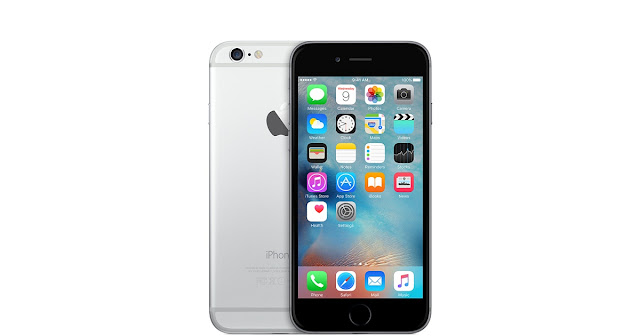
13 Hidden iPhone 6s Tips And Tricks 13 Hidden iPhone 6s Tips And Tricks So you got an iPhone 6s (if you’re still deciding, check out our review ). Well, there are a bunch of fresh features for you to play with. Here are some you might have missed. TL;DR Watch this. youtube.com / Via youtu.be 1. Set a Live Photo as your lockscreen. Two things: a) Live Photos are a great party trick and b) you can set them as your background and show them off to all who dare to touch your phone. It’s easy. When you’re taking a photo, make sure the yellow “Live” icon appears. Then open Camera Roll, view the Live Photo, and tap the Share icon. On the bottom row, swipe left until you see Use as wallpaper . 2. Quickly switch to another app. This one’s a little tough to get right — but once you get the hang of it, you’re golden. On the left side of the scre...

